1
Voltage Gate
PASSDevice output type must match generator output.
120V required -> 120V available
This pairing clears the safety headroom. Required ~87W running and 87W surge; the Explorer 300 Plus is rated 300W / 600W.
Same decision gates as the engine: voltage, running, surge. Runtime is shown as operational context.
Device output type must match generator output.
120V required -> 120V available
Continuous draw with safety buffer applied.
87W required -> 300W available (213W headroom)
Startup peak with safety buffer applied.
87W required -> 600W available (513W headroom)
Runtime context only. It does not change the electrical compatibility verdict.
Continuous estimate: 2.7h
Device profile reference: up to 24h per day.
Power bars show required versus available output for each gate.
View full compatibility reportQuick compatibility, required headroom, and model-specific context at a glance.
6 of 6 models are SAFE or TIGHT. Most demanding model: Starlink Router (Gen 3) (75W surge).
| Model | Running | Surge | Verdict | Runtime | Source |
|---|---|---|---|---|---|
| NETGEAR R6220 | 18W | 18W | Safe | ~11.2h | OEM Verified |
Show expert analysisTechnical: **Running load:** 18W continuous. **Surge:** 18W (no inrush spike). **Voltage:** requires 120V AC. Most portable power stations provide 120V AC outlets and can handle this steady-state load. Field note: Verify your power station's inverter can sustain 18W for extended periods without entering sleep mode. Some units disable AC output below 20W. Will this router maintain emergency connectivity during a 48-hour outage? Only if your power source can supply at least 18W continuous and 18W surge at 120V. It depends on your power station's usable capacity. | |||||
| NETGEAR R6700v3 | 30W | 30W | Safe | ~6.7h | OEM Verified |
Show expert analysisTechnical: **Running load:** 30 W. **Surge:** 30 W. **Voltage:** 120 V AC. No surge above steady state. Compatible with any 120 V AC inverter output rated 30 W or higher. Field note: Ensure power station inverter remains enabled continuously. Router uptime depends on uninterrupted AC supply. Can I run this router on a 500 Wh power station for a full day? Only if your power source can supply at least 30W continuous and 30W surge at 120V. Only if the power station supplies at least 720 Wh of usable AC capacity and you do not load other devices simultaneously. | |||||
| NETGEAR R7000 | 42W | 42W | Safe | ~4.8h | OEM Verified |
Show expert analysisTechnical: **Running load:** 42 W. **Surge:** 42 W (no inrush). Requires 120V AC. Most portable power stations rated 120V 60Hz and ≥100W continuous output can supply this load, provided the waveform is compatible with the internal SMPS. Field note: Verify the power station's continuous output rating exceeds 42 W with margin. Some consumer units throttle under sustained load. Can I run this router on a 500 Wh power station for a full day? Only if your power source can supply at least 42W continuous and 42W surge at 120V. Only if you recharge partway through or reduce usage hours. 24-hour operation consumes 1008 Wh, exceeding a 500 Wh capacity. | |||||
| Starlink Router (Gen 3) | 75W | 75W | Safe | ~2.7h | Engineering Est. |
Show expert analysisTechnical: **Running load:** 75 W (estimated). **Surge:** 75 W (no inrush). **Voltage:** 120 V AC required. The 300W PSU rating covers maximum input capacity, not typical draw. Actual router consumption is a fraction of the PSU rating. Field note: Do not confuse the PSU input rating (300W) with actual consumption. The router draws far less. If powering the full Starlink system (dish + router), see the Starlink System device instead. Does the Starlink router really draw 300W? No. The 300W figure is the power supply's maximum input rating, not actual consumption. The router itself draws approximately 50-75W. The dish (terminal) has its own power path. | |||||
| Starlink Router (Standard Actuated) | 50W | 50W | Safe | ~4.0h | Engineering Est. |
Show expert analysisTechnical: **Running load:** 50 W (estimated). **Surge:** 50 W (no inrush). Requires 120V AC. The 192W PSU rating is maximum input capacity, not typical draw. Field note: The 192W figure on the spec sheet is the PSU max rating, not actual router consumption. If powering the full Starlink system (dish + router), see the Starlink System device. Does this router really draw 192W? No. The 192W is the power supply's maximum input rating. Actual router consumption is approximately 40-50W. | |||||
| Starlink Router Mini | 40W | 40W | Safe | ~5.0h | Engineering Est. |
Show expert analysisTechnical: **Running load:** 40 W (estimated). **Surge:** 40 W (no inrush spike). **Voltage:** 120 V AC required. Compact mesh router with lower processing overhead than the Gen 3. Field note: The 192W on the spec sheet is the PSU max rating. Starlink Mini ships with a USB-C power supply — verify AC adapter spec if using inverter output instead of native DC. Does the Mini router really draw 192W? No. The 192W is the power supply's maximum input rating. The Mini router draws approximately 30-40W. For the full Starlink Mini system (dish + router), see the Starlink System device. | |||||
This unit ranks #4 of 33 compatible generators for this device by buffered margin (Overkill class).
33 of 33 generators are SAFE+TIGHT for WiFi Router.
Fit class uses buffered needs (running and surge) for this device.
Emergency Communications
Select Your Model:
Free Tools
Best for phones, laptops, and small essentials. Not suited for high-surge appliances.
LFP chemistry with a long 3,000-cycle rating for the class. USB-C solar input is limited to 100W.
Keep your WiFi Router running with solar • MPPT: 12– 27V • Max: 100W
 Smart Value
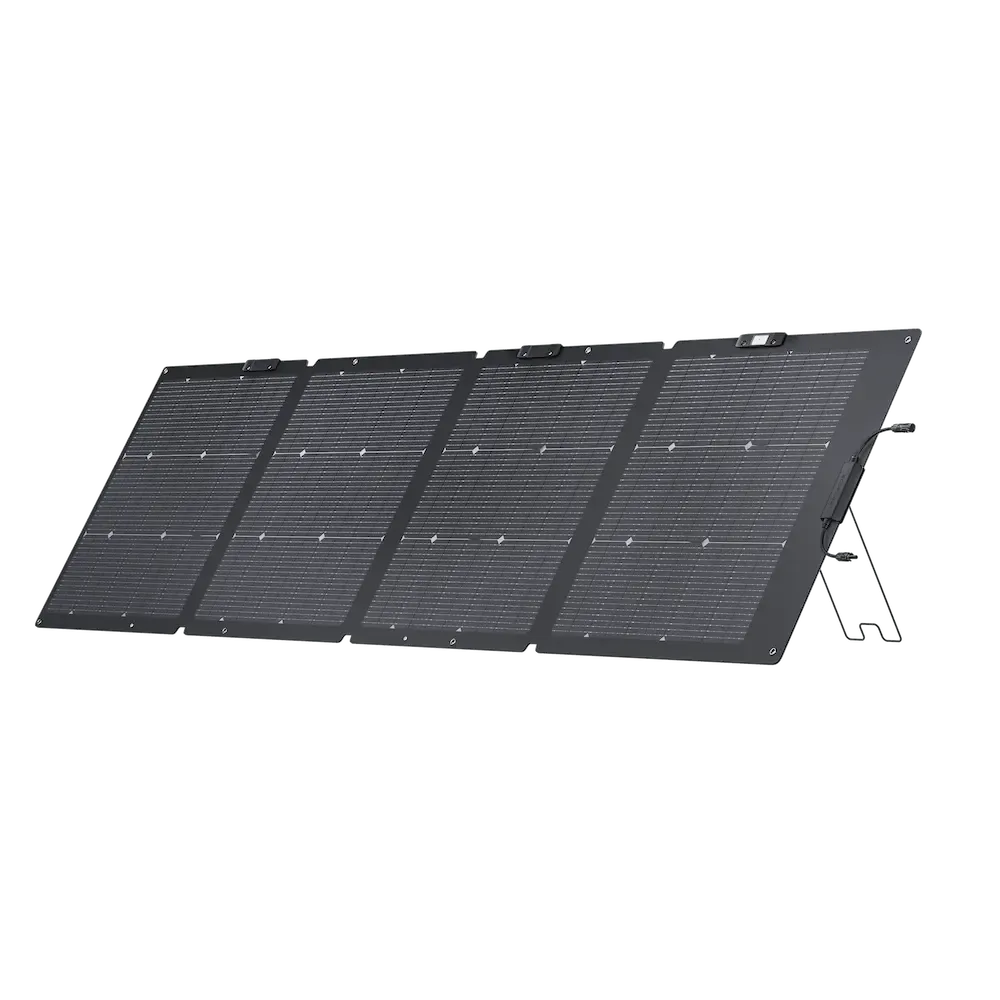
 220W Panel
Voltage cap: 100W is difficult to reach safely. 2 panels in series would exceed cold-voltage limits. Safe series ~1 (≈92W).
 Smart Value
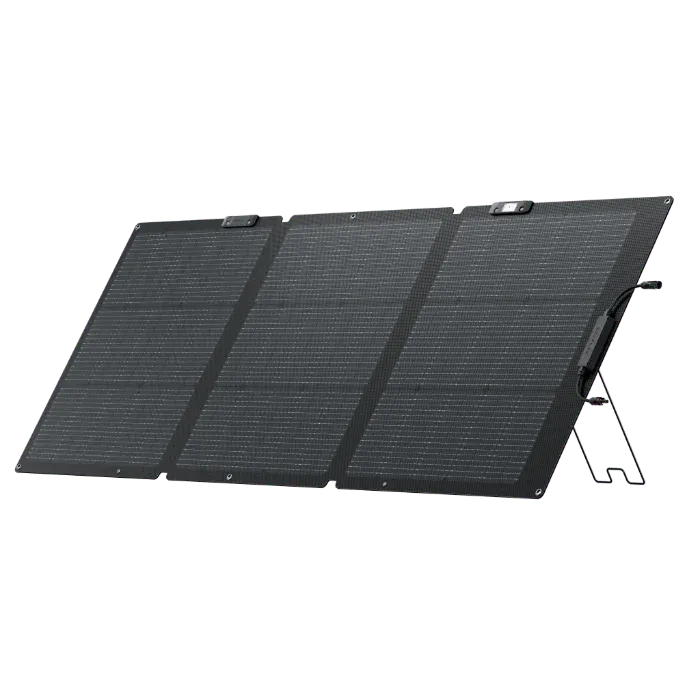
 160W Panel
Voltage cap: 100W is difficult to reach safely. 2 panels in series would exceed cold-voltage limits. Safe series ~1 (≈93W).
Yes. The Jackery Explorer 300 Plus provides 300W running / 600W surge. The WiFi Router needs 87W / 87W (including 15% buffer). That leaves 213W of running headroom and 513W of surge margin.
Approximately 2.7 hours, based on the WiFi Router's 75W draw and the Explorer 300 Plus's 288Wh capacity (70% usable after real-world losses).
With 165W allocated to the WiFi Router, the Explorer 300 Plus still has ~0W of margin. These devices could run simultaneously:
Power Tip: To get the most out of your Explorer 300 Plus, keep it in a well-ventilated area. Extreme temperatures can slightly reduce the efficiency of the LFP/NMC cells.
Compare all 33 generators for the WiFi Router
Ranked by budget, runtime, and overall compatibility.
Derived from variant list (max of variants). Merged from: wifi-router-generic, wifi-router-starlink.
Jackery Explorer 300 Plus User Manual (JE-300B)
Similar-output alternatives you can compare side by side.