1
Voltage Gate
PASSDevice output type must match generator output.
120V required -> 120V available
This pairing clears the safety headroom. Required ~414W running and 414W surge; the Yeti 1500X is rated 2000W / 3500W.
Same decision gates as the engine: voltage, running, surge. Runtime is shown as operational context.
Device output type must match generator output.
120V required -> 120V available
Continuous draw with safety buffer applied.
414W required -> 2,000W available (1,586W headroom)
Startup peak with safety buffer applied.
414W required -> 3,500W available (3,086W headroom)
Runtime context only. It does not change the electrical compatibility verdict.
Continuous estimate: 2.9h
Typical cycling estimate (80% duty): 3.6h
Device profile reference: up to 8h per day.
Power bars show required versus available output for each gate.
View full compatibility reportQuick compatibility, required headroom, and model-specific context at a glance.
3 of 3 models are SAFE or TIGHT. Most demanding model: Alienware m18 R2 (360W, 7.4mm Barrel) (360W surge).
| Model | Running | Surge | Verdict | Runtime | Source |
|---|---|---|---|---|---|
| Lenovo ThinkPad X1 Carbon Gen 12 (65W USB-C) | 65W | 65W | Safe | ~16.3h | OEM Verified |
Show expert analysisTechnical: **Running load:** 65 W (adapter rated maximum). **Surge:** 65 W (no inrush spike). **Voltage:** 120 V AC (or USB-C PD at 20V). Typical office workload draws 15-35W — the 65W rating covers peak CPU load plus battery charging simultaneously. Field note: If your power station has USB-C PD output at 65W+, use it instead of the AC inverter to bypass conversion losses and extend runtime by 10-15%. The ThinkPad charges via either Thunderbolt 4 port on the left side. Can I work all day on a 500Wh power station with this laptop? Yes — at 20-40W typical draw, a 500Wh power station (350Wh usable) runs the ThinkPad X1 Carbon for 9-17 hours. Even at the full 65W adapter rating, you get over 5 hours. | |||||
| MacBook Pro 16-inch (140W USB-C) | 140W | 140W | Safe | ~7.6h | OEM Manual |
Show expert analysisTechnical: **Running load:** 140 W (adapter rated maximum). **Surge:** 140 W (no inrush spike). **Voltage:** 120 V AC (or USB-C PD). The 140W adapter supports both MagSafe 3 and USB-C charging. Actual draw during creative work ranges from 40-100W. Field note: The MacBook Pro 16-inch has excellent built-in battery life. During an outage, use the laptop on battery first, then charge from the power station in bursts — this maximizes total usable time from a limited power source. Can I run video editing software on a power station? Yes — Final Cut Pro or DaVinci Resolve typically draws 60-100W from the adapter. A 1000Wh power station provides 7-11 hours of editing. The 140W rating is the ceiling, not sustained draw. | |||||
| Alienware m18 R2 (360W, 7.4mm Barrel) | 360W | 360W | Safe | ~2.9h | OEM Manual |
Show expert analysisTechnical: **Running load:** 360 W (adapter rated maximum — highest laptop adapter currently available). **Surge:** 360 W (no inrush spike). **Voltage:** 120 V AC required. Uses a proprietary 7.4mm barrel connector — no USB-C charging option. Field note: This is the heaviest laptop load in the comparison — heavier than many desktop PCs. A 500W+ power station handles the wattage, but runtime is the constraint. Note: this laptop charges ONLY via barrel connector, not USB-C. Can I game on the Alienware m18 R2 during a power outage? Yes, if your power station delivers 360W+ continuous at 120V. Expect 280-340W actual draw during gaming. A 2000Wh station provides about 6 hours of play. | |||||
This unit ranks #14 of 29 compatible generators for this device by buffered margin (Overkill class).
29 of 33 generators are SAFE+TIGHT for Laptop.
Fit class uses buffered needs (running and surge) for this device.
Remote Work Session
Select Your Model:
Free Tools
Keep your Laptop running with solar • MPPT: 14– 50V • Max: 600W
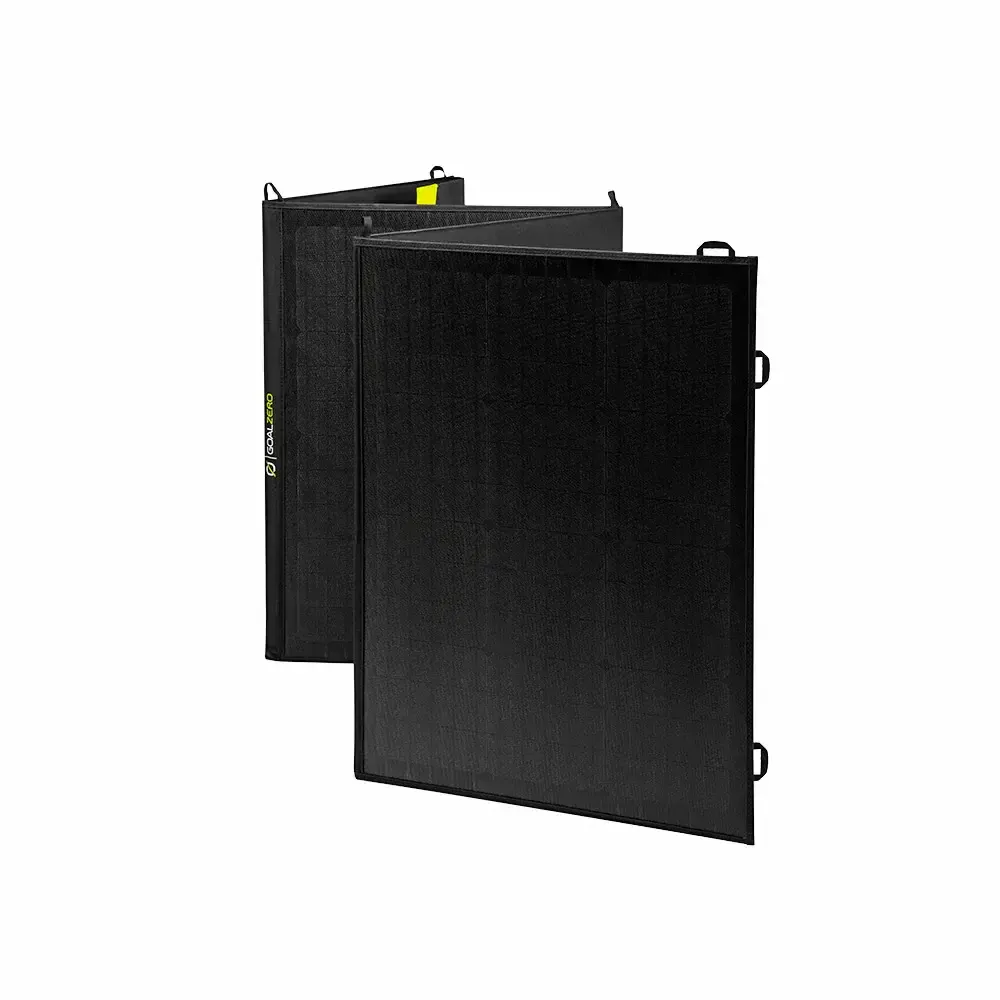 Official
 200W Panel
Adapter required: Goal Zero proprietary -> Anderson adapter required.
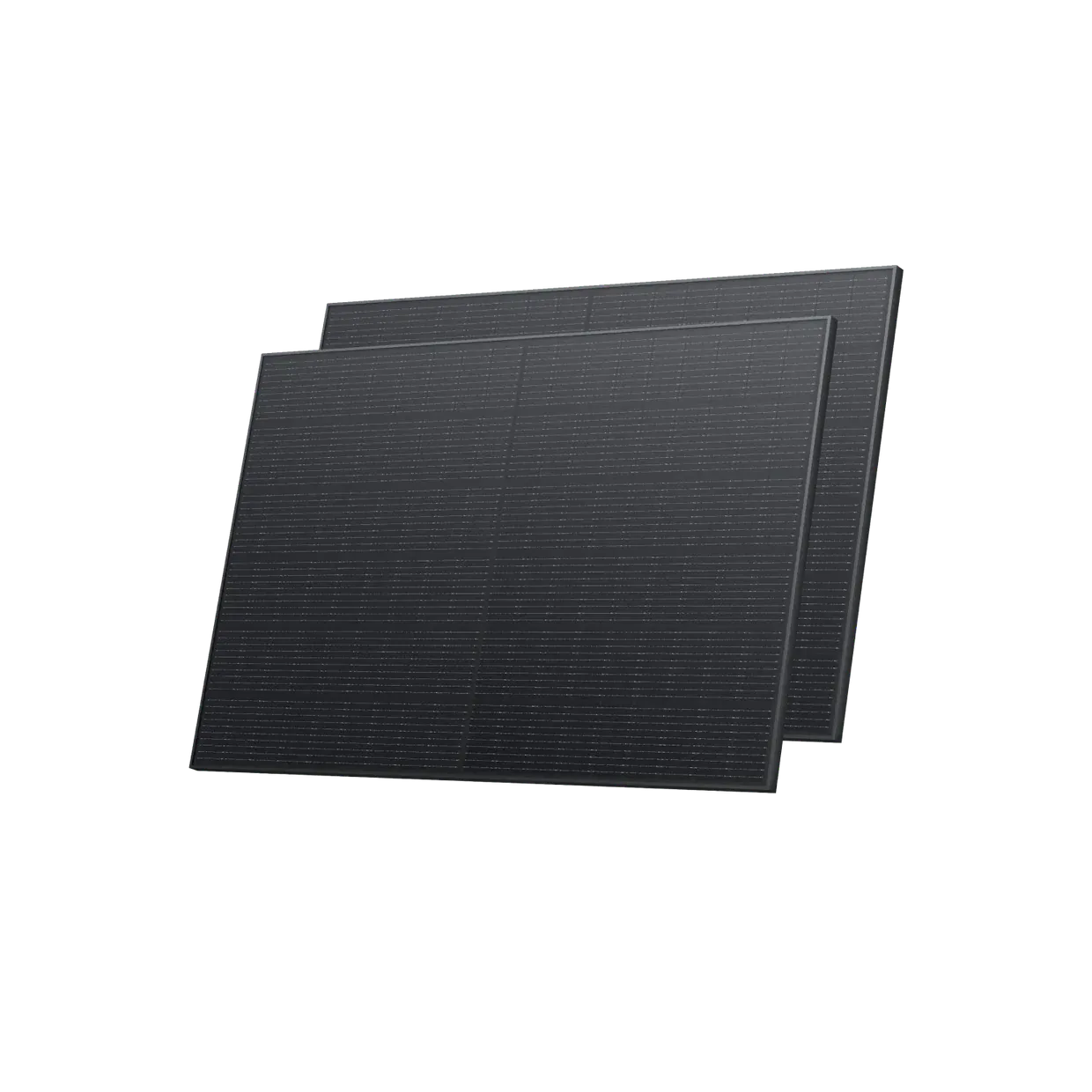 Smart Value
 400W Panel
Adapter required: MC4 -> Anderson.
 Smart Value
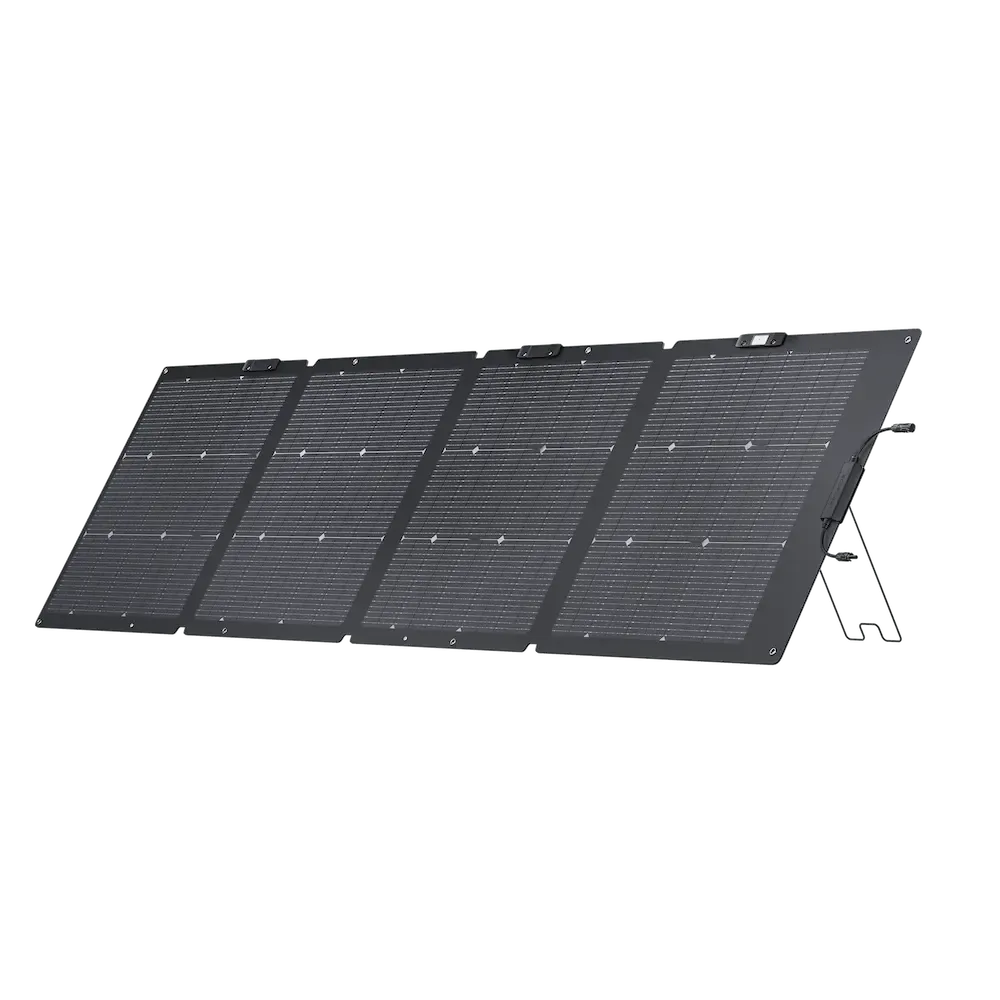
 220W Panel
Adapter required: MC4 -> Anderson.
Yes. The Goal Zero Yeti 1500X provides 2000W running / 3500W surge. The Laptop needs 414W / 414W (including 15% buffer). That leaves 1586W of running headroom and 3086W of surge margin.
Approximately 2.9 hours, based on the Laptop's 360W draw and the Yeti 1500X's 1516Wh capacity (70% usable after real-world losses).
With 960W allocated to the Laptop, the Yeti 1500X still has ~280W of margin. These devices could run simultaneously:
Power Tip: To get the most out of your Yeti 1500X, keep it in a well-ventilated area. Extreme temperatures can slightly reduce the efficiency of the LFP/NMC cells.
Compare all 33 generators for the Laptop
Ranked by budget, runtime, and overall compatibility.
Derived from variant list (max of variants). Running worst case = Alienware m18 R2 (360W adapter rating). Surge worst case = Alienware m18 R2 (360W). Adapter rating = worst-case ceiling, not typical system draw.
Goal Zero Yeti 1500X User Guide (147-100A)
Similar-output alternatives you can compare side by side.