1
Voltage Gate
PASSDevice output type must match generator output.
120V required -> 120V available
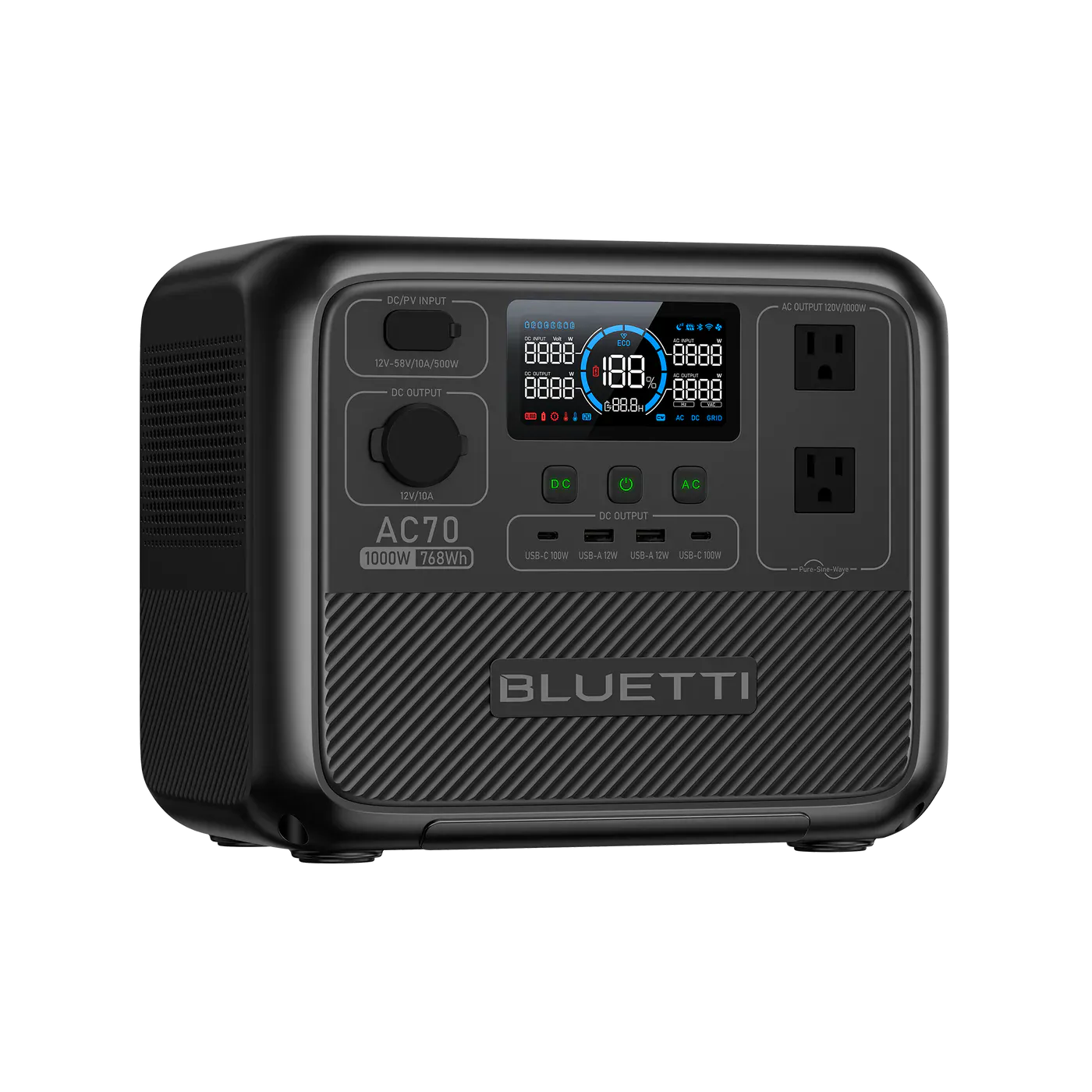
This pairing clears the safety headroom. Required ~779W running and 1431W surge; the RIVER 2 Pro is rated 800W / 1600W.
Same decision gates as the engine: voltage, running, surge. Runtime is shown as operational context.
Device output type must match generator output.
120V required -> 120V available
Continuous draw with safety buffer applied.
779W required -> 800W available (21W headroom)
Startup peak with safety buffer applied.
1,431W required -> 1,600W available (169W headroom)
Runtime context only. It does not change the electrical compatibility verdict.
Continuous estimate: 0.8h
Device profile reference: up to 0.1h per day.
Power bars show required versus available output for each gate.
View full compatibility reportQuick compatibility, required headroom, and model-specific context at a glance.
3 of 3 models are SAFE or TIGHT. Most demanding model: Canon imageCLASS LBP236dw (1,300W surge).
| Model | Running | Surge | Verdict | Runtime | Source |
|---|---|---|---|---|---|
| HP LaserJet Pro M110w | 361W | 361W | Safe | ~1.5h | OEM Manual |
Show expert analysisTechnical: **Running load:** 361 W. **Surge:** 361 W. Requires 120V AC output. Compact mono laser with a low-wattage fuser. HP publishes a single active printing value with no separate peak figure. Field note: The lightest laser printer load in this comparison. Most power stations rated 500W+ handle it without issue. Fuser warm-up happens quickly with no noticeable surge. Can I print from a portable power station during an outage? Yes — at 361W this is manageable for any power station rated 500W+ continuous at 120V. | |||||
| Brother HL-L2460DW | 470W | 920W | Safe | ~1.1h | OEM Manual |
Show expert analysisTechnical: **Running load:** 470 W (active printing). **Surge:** 920 W (fuser warm-up peak). Requires 120V AC output. The fuser heating element creates a brief high-draw spike each time the printer wakes from standby or starts a new job. Field note: The 920W fuser peak is the critical number for generator sizing. A 1000W-rated power station handles it, but a 500W station will trip on fuser warm-up even though sustained printing is only 470W. Why does my power station shut off when I start printing? The Brother HL-L2460DW draws 920W briefly during fuser warm-up. If your power station is rated under 1000W, it may trip on this peak even though sustained printing is only 470W. | |||||
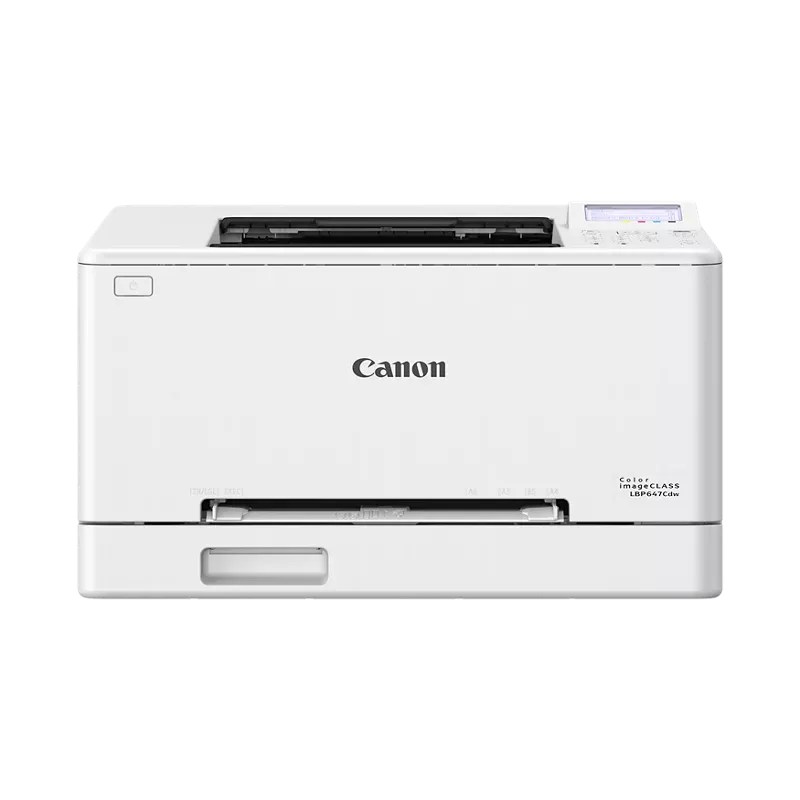
| Canon imageCLASS LBP236dw | 708W | 1,300W | Safe | ~0.8h | Engineering Est. |
Show expert analysisTechnical: **Running load:** 708 W (derived from 120V × 5.9A rated current). **Surge:** 1300 W (fuser warm-up peak, OEM published maximum). Requires 120V AC output. The 1300W peak draws 10.8A briefly — well above the 5.9A nominal rating. Field note: The 1300W fuser peak is the highest in this comparison. A 1500W power station is the minimum for reliable printing. Stations rated under 1300W will trip when the fuser warms up, even if the sustained 708W draw is within their continuous rating. Can a 1000W power station run this Canon printer? Not reliably — the fuser warm-up peaks at 1300W. You need a power station rated at least 1500W to handle the brief startup surge without tripping. | |||||
This unit ranks #1 of 26 compatible generators for this device by buffered margin (Best Fit class).
26 of 33 generators are SAFE+TIGHT for Laser Printer.
Fit class uses buffered needs (running and surge) for this device.
Document Printing
Select Your Model:
Free Tools
The 1600W surge rating can handle typical motor startup events found in residential compressor-based appliances like refrigerators and well pumps. The 800W running capacity can support continuous loads such as home network equipment, lighting circuits, and small kitchen appliances. This configuration works well for targeted backup scenarios rather than whole-home replacement power.
This unit uses LFP chemistry, which offers stable thermal characteristics during discharge cycles. The 768Wh capacity supports extended runtime for moderate household loads. Source: EcoFlow RIVER 2 Pro User Manual v1.0 (manufacturer documentation).
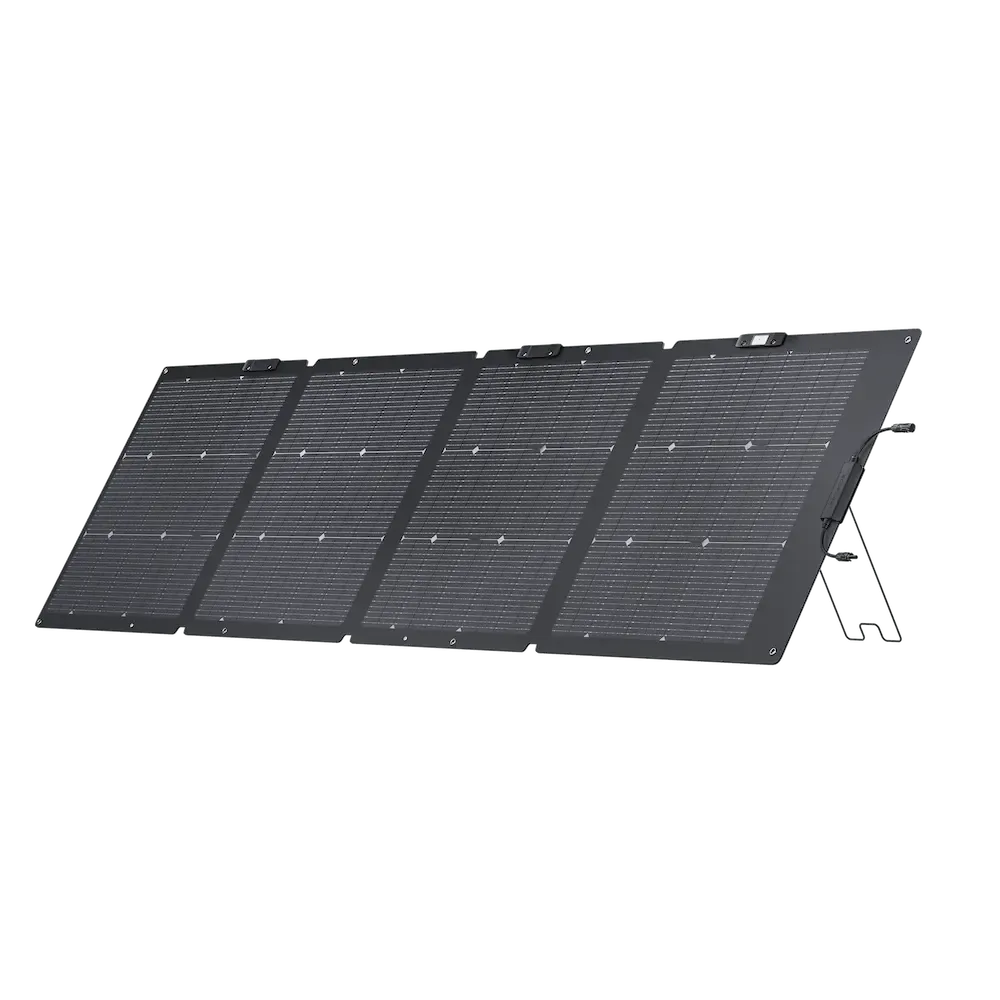
Keep your Laser Printer running with solar • MPPT: 11– 50V • Max: 220W
 Official
 220W Panel
Adapter required: MC4 -> XT60i.
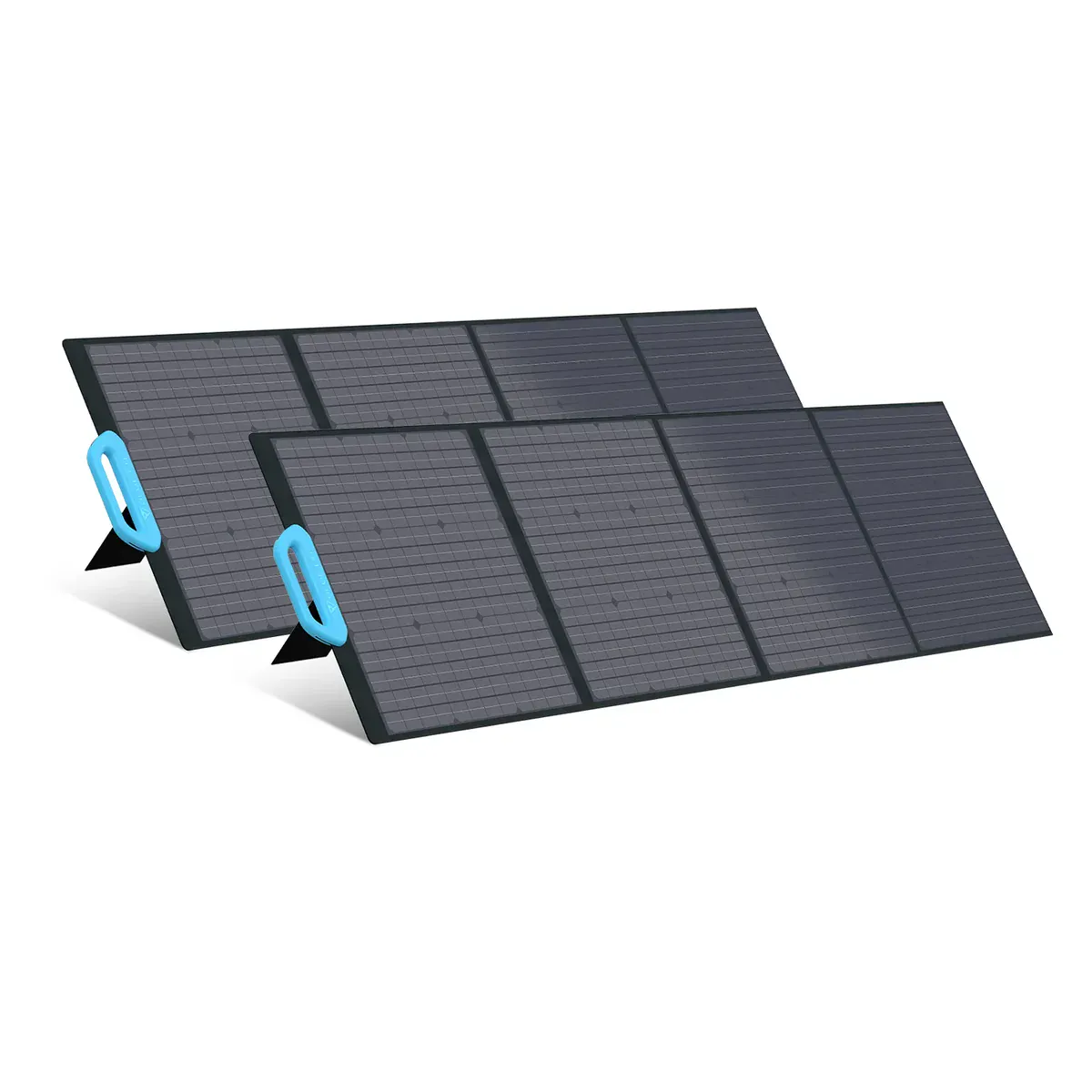 Smart Value
 200W Panel
Adapter required: MC4 -> XT60i.
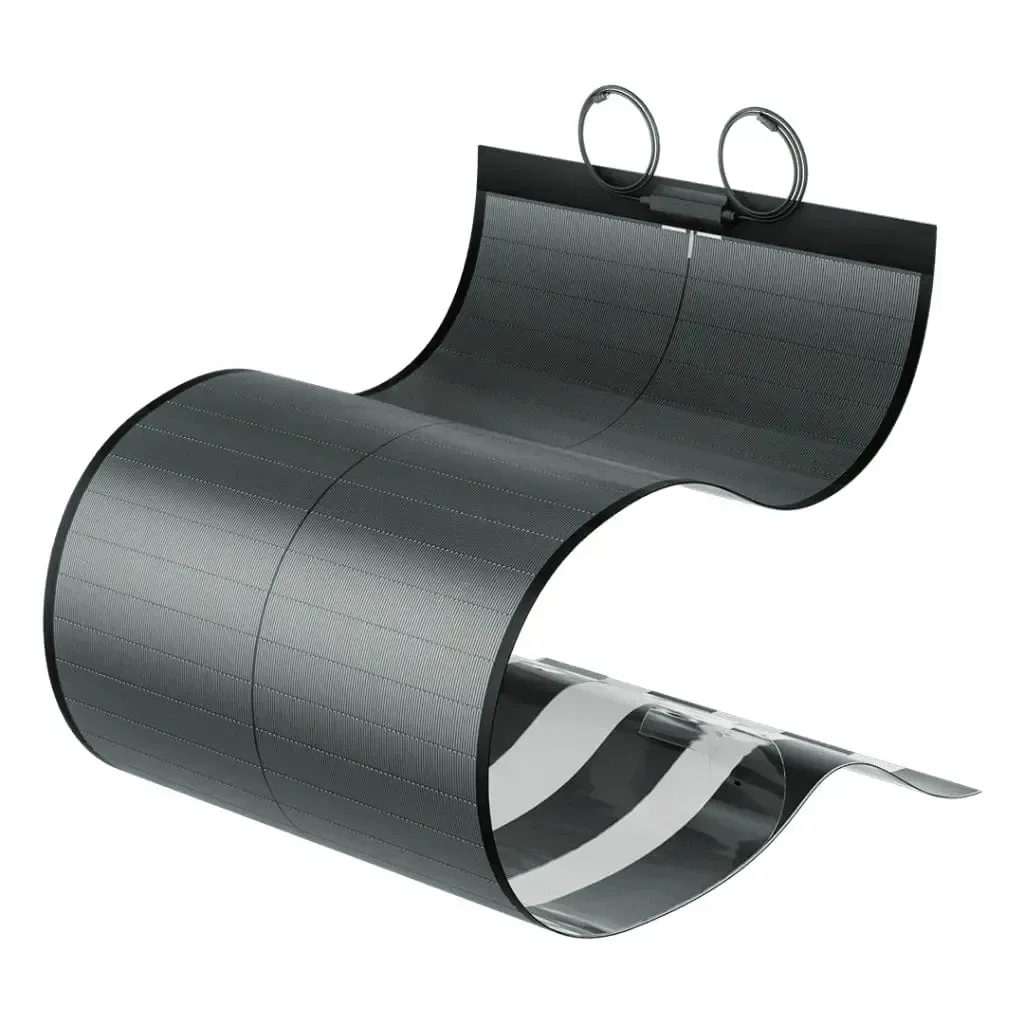 Smart Value
 200W Panel
Adapter required: MC4 -> XT60i.
Yes. The EcoFlow RIVER 2 Pro provides 800W running / 1600W surge. The Laser Printer needs 779W / 1431W (including 10% buffer). That leaves 21W of running headroom and 169W of surge margin.
Approximately 0.8 hours, based on the Laser Printer's 708W draw and the RIVER 2 Pro's 768Wh capacity (70% usable after real-world losses).
Power Tip: To get the most out of your RIVER 2 Pro, keep it in a well-ventilated area. Extreme temperatures can slightly reduce the efficiency of the LFP/NMC cells.
Compare all 33 generators for the Laser Printer
Ranked by budget, runtime, and overall compatibility.
Derived from variant list (max of variants). Running worst case = Canon imageCLASS LBP236dw (708W from V×A: 120V × 5.9A). Surge worst case = Canon imageCLASS LBP236dw (1300W fuser warm-up peak).
EcoFlow RIVER 2 Pro User Manual v1.0
Similar-output alternatives you can compare side by side.