1
Voltage Gate
PASSDevice output type must match generator output.
120V required -> 120V available
Yes - RIVER 2 Max has enough running and surge power for the Monitor (27-inch LCD). Target ~64W running / 64W surge; the generator provides 500W / 1000W.
Same decision gates as the engine: voltage, running, surge. Runtime is shown as operational context.
Device output type must match generator output.
120V required -> 120V available
Continuous draw with safety buffer applied.
64W required -> 500W available (436W headroom)
Startup peak with safety buffer applied.
64W required -> 1,000W available (936W headroom)
Runtime context only. It does not change the electrical compatibility verdict.
Continuous estimate: 6.5h
Device profile reference: up to 8h per day.
Power bars show required versus available output for each gate.
View full compatibility reportQuick compatibility, required headroom, and model-specific context at a glance.
3 of 3 models are SAFE or TIGHT. Most demanding model: Dell P2722H (55W surge).
| Model | Running | Surge | Verdict | Runtime | Source |
|---|---|---|---|---|---|
| LG 27UL500-W | 41W | 41W | Safe | ~8.7h | OEM Manual |
Show expert analysisTechnical: **Running load:** 41 W. **Surge load:** 41 W. **Voltage requirement:** 120 V AC. No inrush current. Assumes resistive load profile typical of LED-backlit displays. Field note: Verify power station output is clean enough for electronics. Inadequate waveform may cause screen flicker or shutdown. Can I run this monitor on a 300W power station? Only if your power source can supply at least 41W continuous and 41W surge at 120V. Confirm output waveform quality before connecting sensitive electronics. | |||||
| Samsung SE370 27-inch | 35W | 35W | Safe | ~10.2h | OEM Manual |
Show expert analysisTechnical: **Running load:** 35 W. **Surge:** 35 W. **Voltage:** 120 V AC. No surge overhead, resistive load. A power station rated for 100 W continuous at 120 V AC meets the electrical requirement. Field note: Leave at least 15 W headroom above 35 W to account for inverter efficiency loss and avoid nuisance shutdowns during prolonged operation. Will this monitor run on any portable power station? Only if your power source can supply at least 35W continuous and 35W surge at 120V. | |||||
| Dell P2722H | 55W | 55W | Safe | ~6.5h | OEM Manual |
Show expert analysisTechnical: **Running load:** 55 W. **Surge:** 55 W (no startup spike). **Voltage:** 120 V AC. Low continuous draw with zero inrush makes pairing straightforward provided the power station supplies clean 120 V output. Field note: Verify the power station inverter remains cool during multi-hour sessions. Minimal headroom required. Can I run this monitor on a 300 W power station? Only if your power source can supply at least 55W continuous and 55W surge at 120V. Check manufacturer specs for sustained load limits. | |||||
This unit ranks #5 of 33 compatible generators for this device by buffered margin (Overkill class).
33 of 33 generators are SAFE+TIGHT for Monitor (27-inch LCD).
Fit class uses buffered needs (running and surge) for this device.
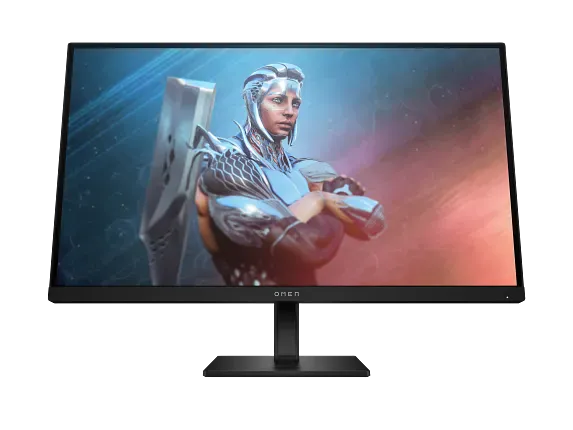
Workstation Display
Select Your Model:
Free Tools
The 1000W surge can handle typical compressor startup events in refrigerators, window AC units, and well pumps that fall within momentary draw limits. Sustained loads must stay at or below 500W to avoid shutdown. This is a light-duty unit for essential circuits, not whole-home backup.
This portable station uses LFP chemistry, known for thermal stability in consumer lithium batteries. The 512Wh capacity and 500W continuous rating provide a workable buffer for appliances within spec. Source: EcoFlow RIVER 2 Max User Manual v1.0 (manufacturer documentation).
Keep your Monitor (27-inch LCD) running with solar • MPPT: 11– 50V • Max: 220W
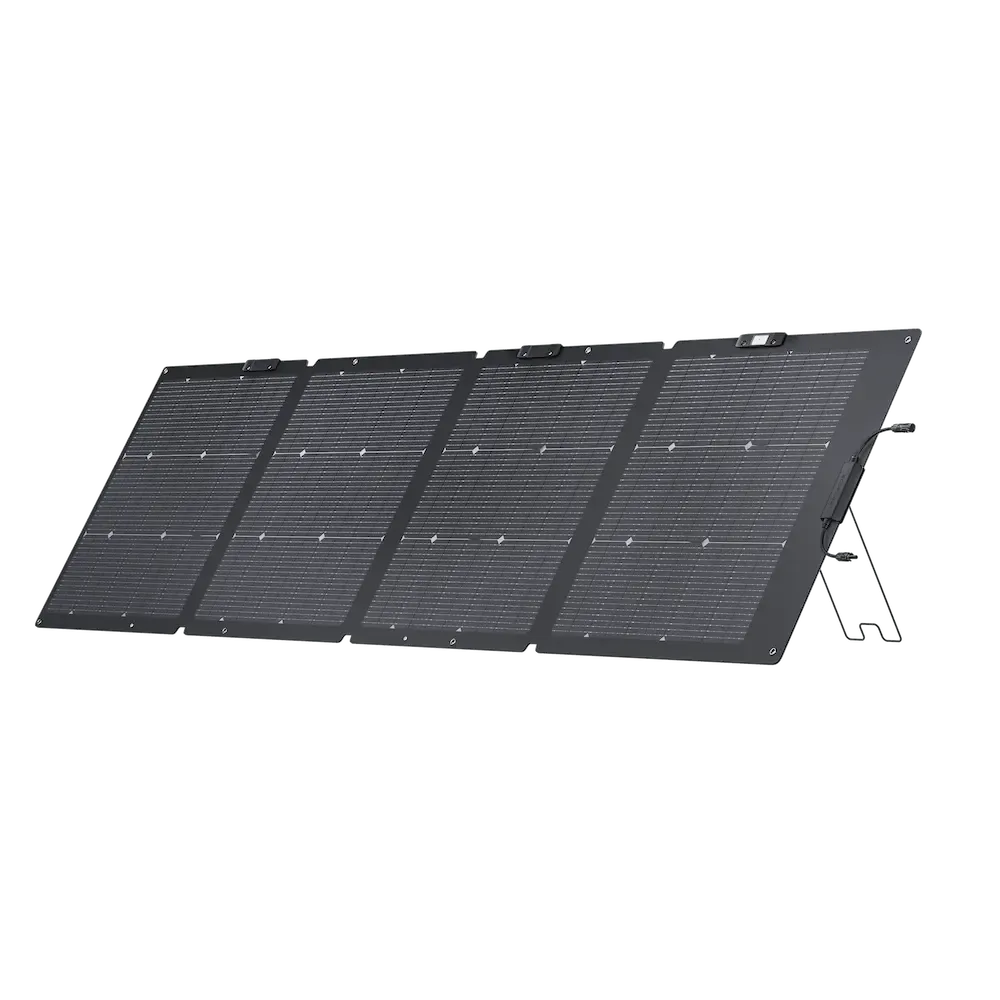 Official
 220W Panel
Adapter required: MC4 -> XT60i.
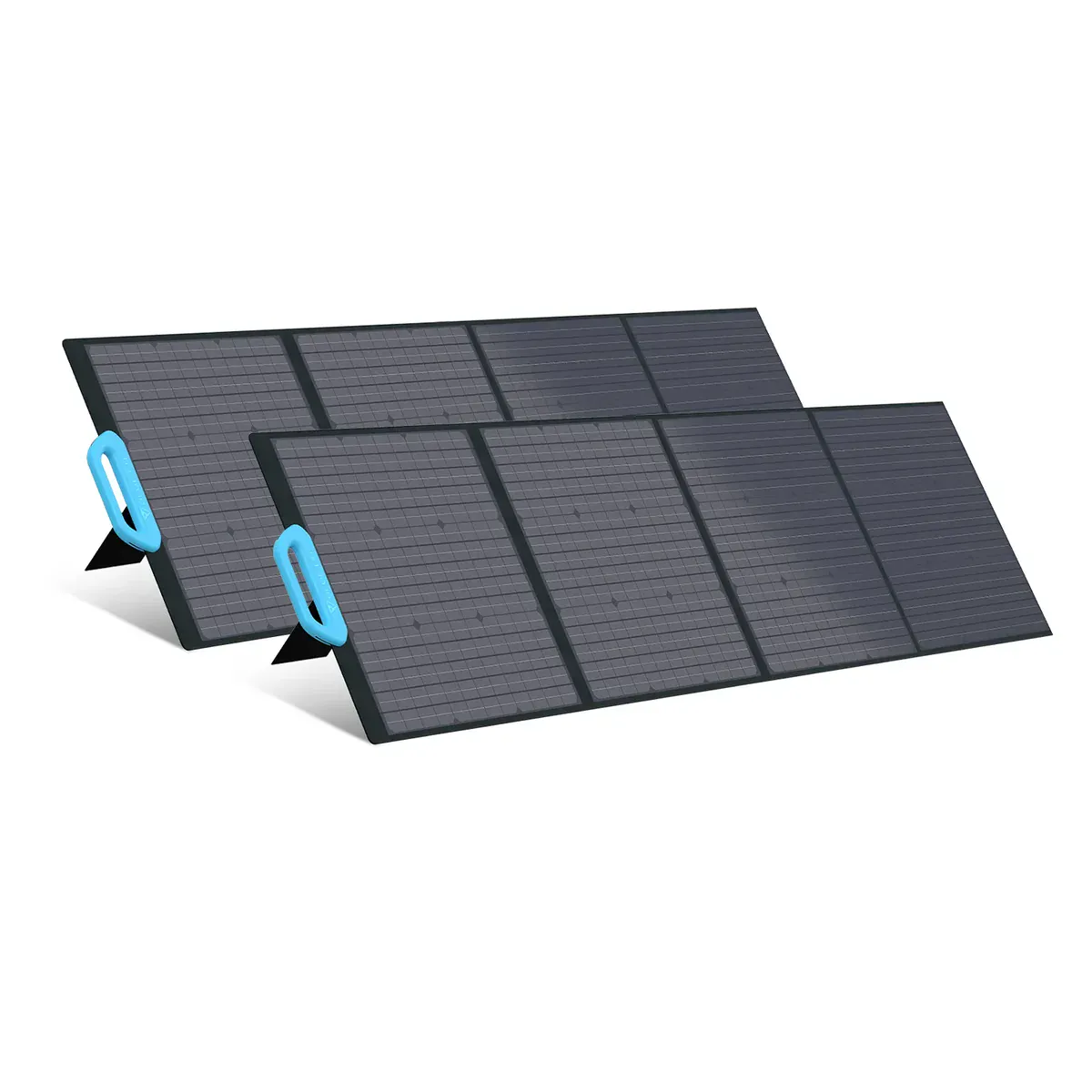 Smart Value
 200W Panel
Adapter required: MC4 -> XT60i.
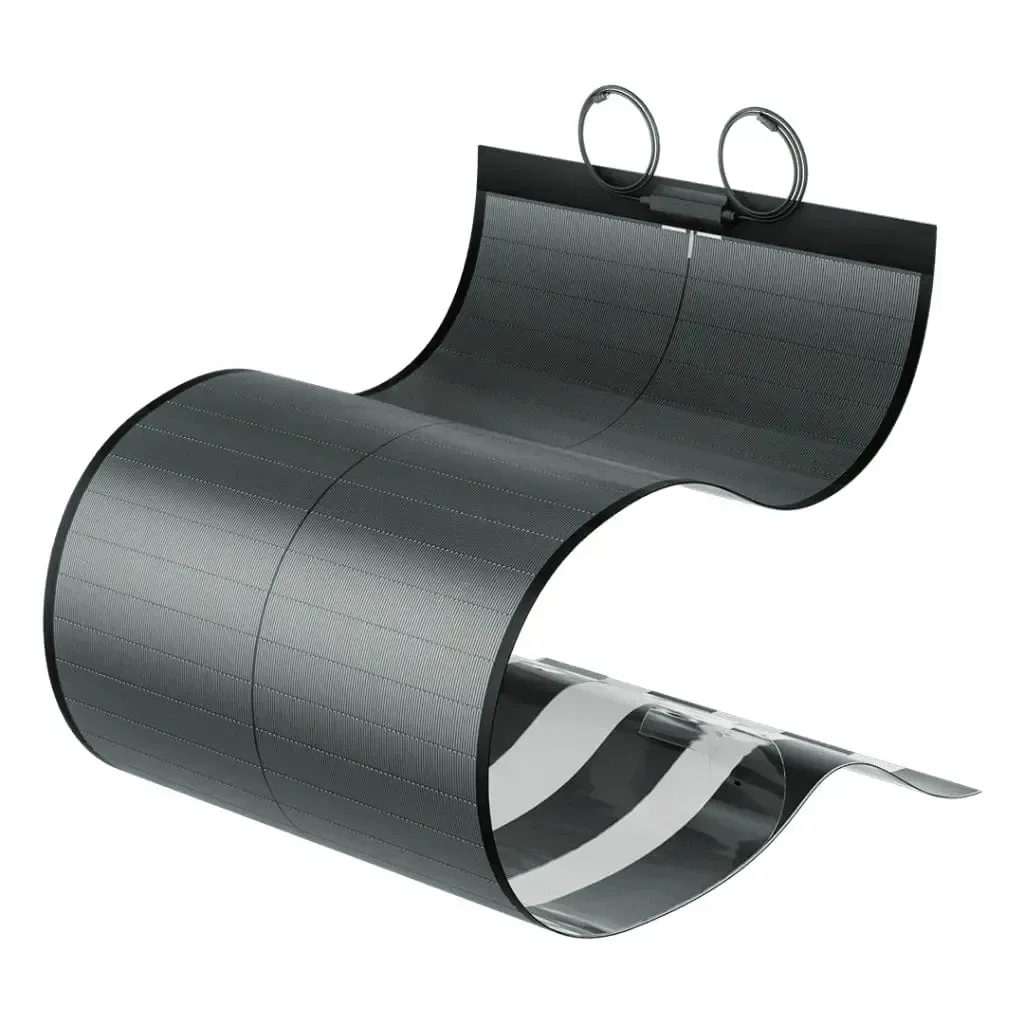 Smart Value
 200W Panel
Adapter required: MC4 -> XT60i.
Yes. The EcoFlow RIVER 2 Max provides 500W running / 1000W surge. The Monitor (27-inch LCD) needs 64W / 64W (including 15% buffer). That leaves 436W of running headroom and 936W of surge margin.
Approximately 6.5 hours, based on the Monitor (27-inch LCD)'s 55W draw and the RIVER 2 Max's 512Wh capacity (70% usable after real-world losses).
With 345W allocated to the Monitor (27-inch LCD), the RIVER 2 Max still has ~0W of margin. These devices could run simultaneously:
Power Tip: To get the most out of your RIVER 2 Max, keep it in a well-ventilated area. Extreme temperatures can slightly reduce the efficiency of the LFP/NMC cells.
Compare all 33 generators for the Monitor (27-inch LCD)
Ranked by budget, runtime, and overall compatibility.
Derived from variant list (max of variants). Running worst case = Dell P2722H (55W). Surge worst case = Dell P2722H (55W).
EcoFlow RIVER 2 Max User Manual v1.0
Similar-output alternatives you can compare side by side.