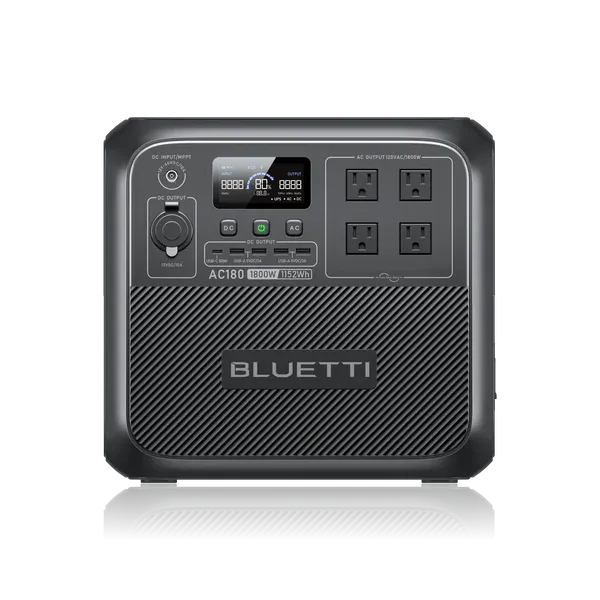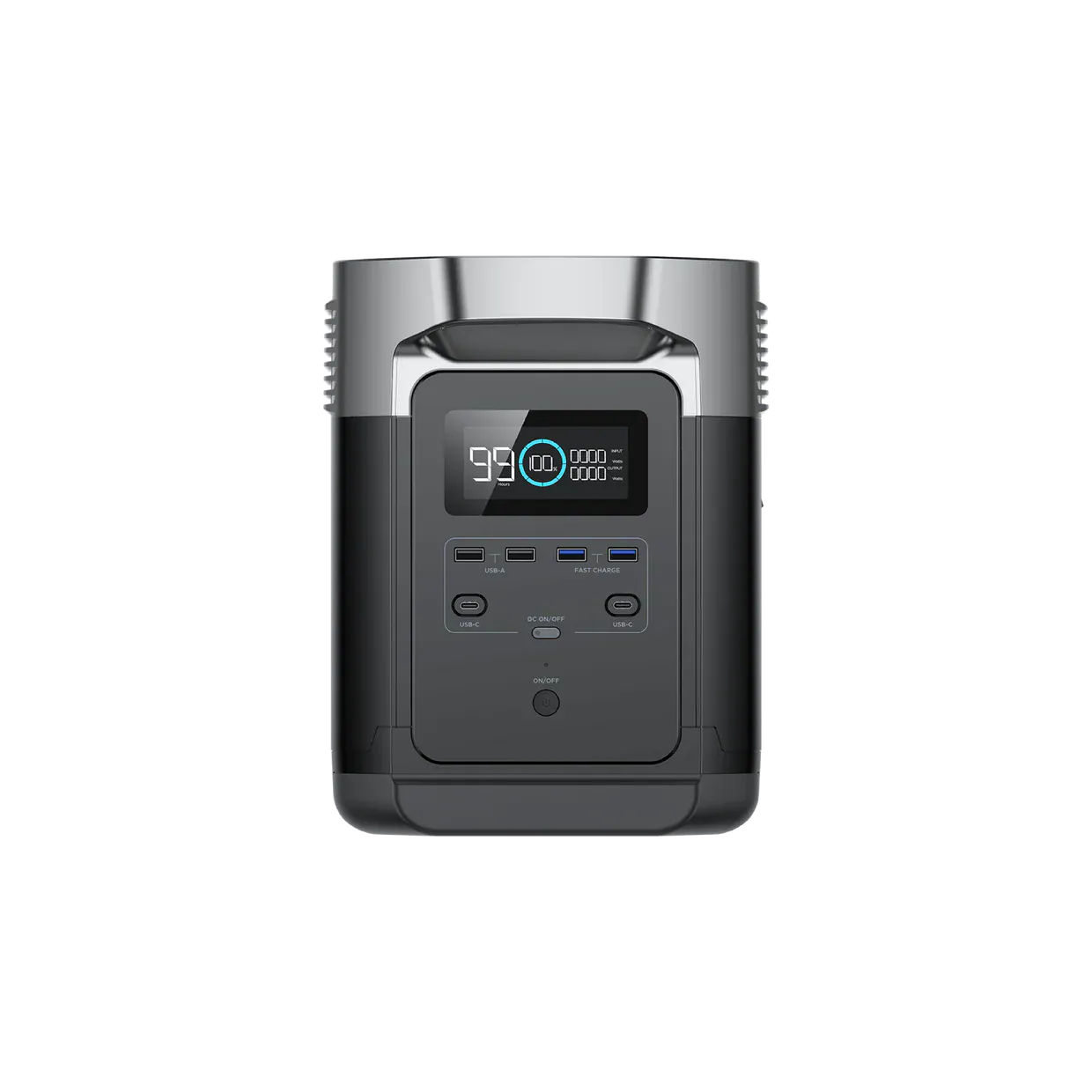
1
Voltage Gate
PASSDevice output type must match generator output.
120V required -> 120V available
Yes - SOLIX C1000 has enough running and surge power for the Desktop PC (Gaming/Workstation). Target ~1150W running / 1150W surge; the generator provides 1800W / 2400W.
Same decision gates as the engine: voltage, running, surge. Runtime is shown as operational context.
Device output type must match generator output.
120V required -> 120V available
Continuous draw with safety buffer applied.
1,150W required -> 1,800W available (650W headroom)
Startup peak with safety buffer applied.
1,150W required -> 2,400W available (1,250W headroom)
Runtime context only. It does not change the electrical compatibility verdict.
Continuous estimate: 0.7h
Device profile reference: up to 8h per day.
Power bars show required versus available output for each gate.
View full compatibility reportQuick compatibility, required headroom, and model-specific context at a glance.
3 of 3 models are SAFE or TIGHT. Most demanding model: Alienware Aurora R16 (1000W PSU) (1,000W surge).
| Model | Running | Surge | Verdict | Runtime | Source |
|---|---|---|---|---|---|
| Lenovo Legion Tower 5 Gen 8 (500W PSU) | 500W | 500W | Safe | ~1.5h | OEM Verified |
Show expert analysisTechnical: **Running load:** 500 W (PSU rated maximum — actual gaming draw is typically 250-400W depending on GPU load). **Surge:** 500 W (no inrush spike — PSU regulates all DC rails internally). **Voltage:** 120 V AC required. Field note: The 500W PSU rating is the ceiling, not what the system draws continuously. Size your power station for the full 500W to be safe, but expect actual draw to be 60-80% of that during intensive gaming. Does this PC actually draw 500W while gaming? Rarely — 500W is the PSU's maximum capacity. Actual gaming draw depends on the GPU and CPU installed. Budget configs (RTX 3050/4060) typically pull 250-350W from the wall. We use the PSU rating as worst-case for generator sizing. | |||||
| HP OMEN 40L Desktop (GT21 Series, 750W PSU) | 750W | 750W | Safe | ~1.0h | OEM Manual |
Show expert analysisTechnical: **Running load:** 750 W (PSU rated maximum — actual gaming draw varies by GPU configuration). **Surge:** 750 W (no inrush spike — regulated DC output). **Voltage:** 120 V AC required. Field note: Mid-range gaming desktops with 750W PSUs are the most common configuration. Actual draw is 60-80% of PSU rating under sustained gaming. Ensure your power station handles 750W continuous for safe operation. Can I run this PC on a 1000W power station? Yes, if the station delivers 750W continuous at 120V. Actual gaming draw is typically 450-600W, leaving headroom for a monitor or peripherals. | |||||
| Alienware Aurora R16 (1000W PSU) | 1,000W | 1,000W | Safe | ~0.7h | OEM Manual |
Show expert analysisTechnical: **Running load:** 1000 W (PSU rated maximum — highest-tier config with RTX 4090). **Surge:** 1000 W (no inrush spike — fully regulated PSU). **Voltage:** 120 V AC required. Uses proprietary ATX12VO power delivery. Field note: This is the heaviest desktop load in the comparison. A 1500W power station is the minimum for reliable gaming. Runtime on battery is limited — a 4 kWh power station provides roughly 5-6 hours of intensive gaming. Does the Alienware Aurora R16 always draw 1000W? No — 1000W is the PSU ceiling. Actual draw depends on GPU (RTX 4070 vs 4090) and workload. Expect 500-850W during gaming. We use the PSU rating as worst-case for generator sizing. | |||||
This unit ranks #3 of 25 compatible generators for this device by buffered margin (Overkill class).
25 of 33 generators are SAFE+TIGHT for Desktop PC (Gaming/Workstation).
Fit class uses buffered needs (running and surge) for this device.
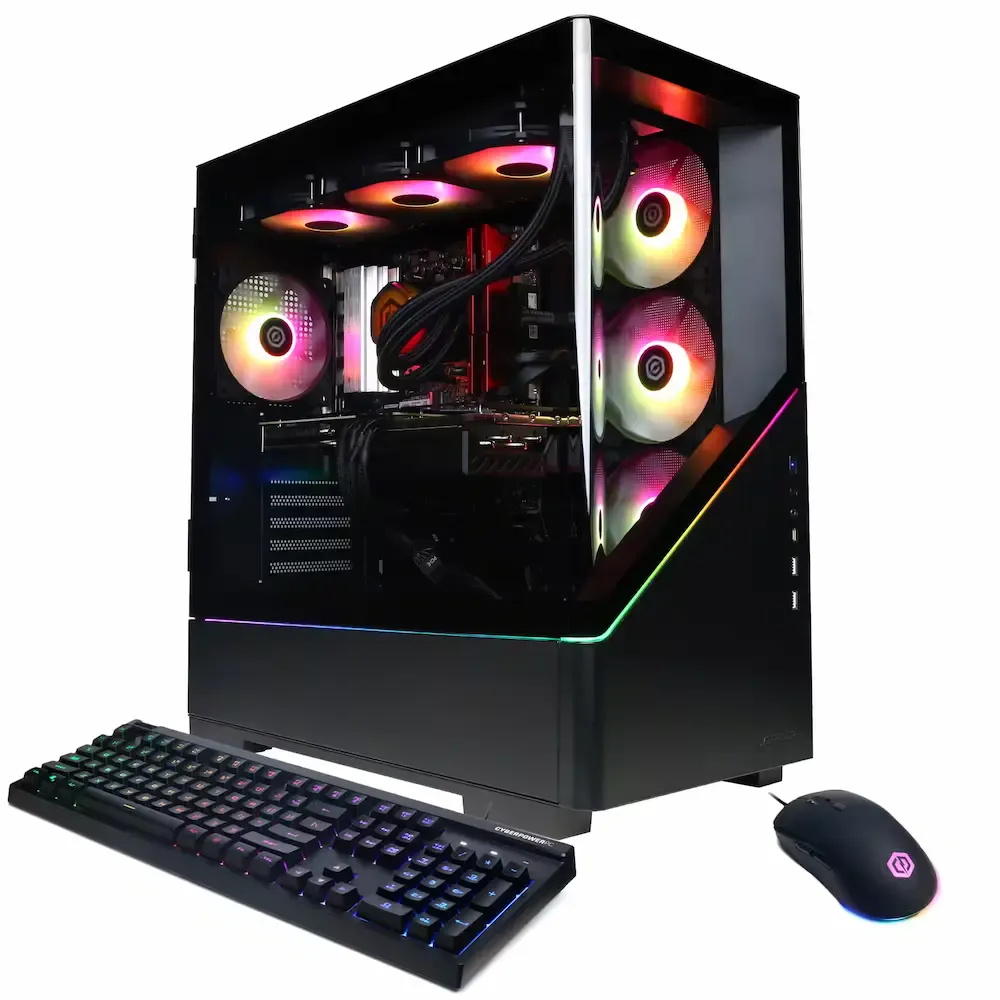
Gaming Session
Select Your Model:
Free Tools
The 2400 W surge can support typical startup events for refrigerator compressors, well pumps, and other inductive loads in the 1 to 1.5 HP range. The 1800 W continuous rating sustains moderate resistive and mixed loads once motors reach running speed. This combination handles most residential backup scenarios where brief inrush current precedes steady operation.
This unit provides a documented 2400 W surge window to handle motor inrush events without nuisance trips. LFP chemistry offers structural stability under load cycling. Source: Anker SOLIX C1000 User Manual (Output Specs) (manufacturer documentation).
Keep your Desktop PC (Gaming/Workstation) running with solar • MPPT: 11– 60V • Max: 600W
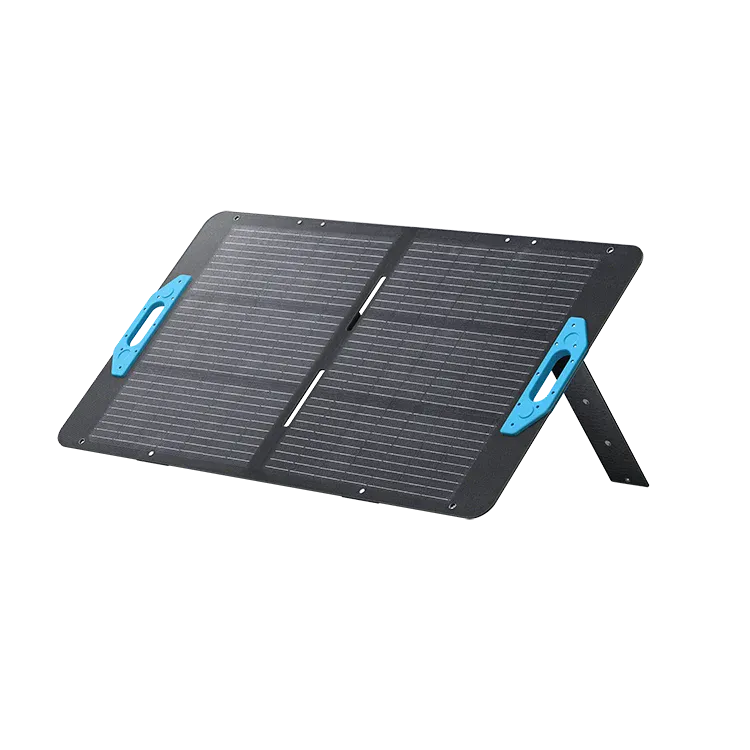 Official
 100W Panel
Adapter required: MC4 -> XT60.
 Smart Value
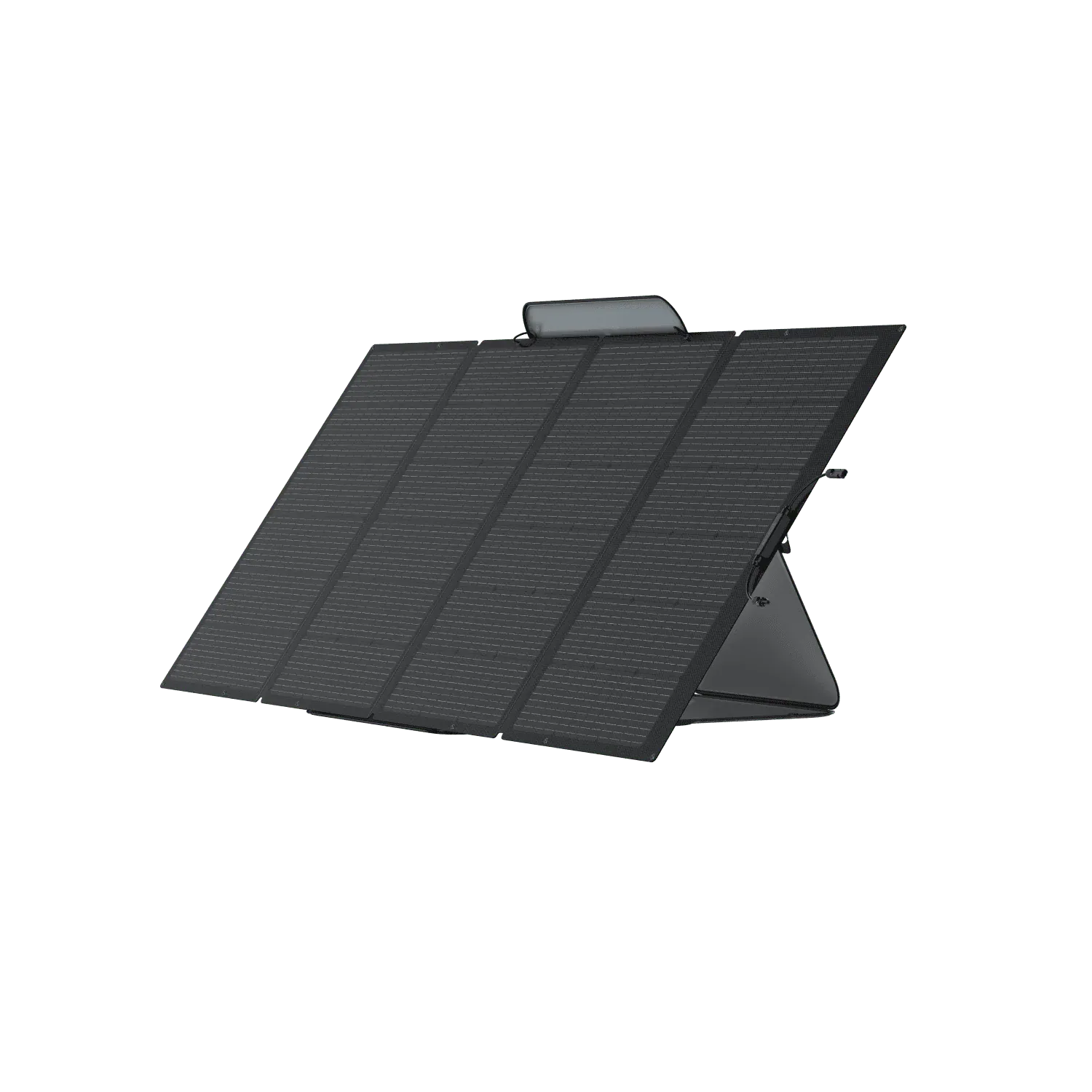
 400W Panel
Adapter required: MC4 -> XT60.
 Smart Value
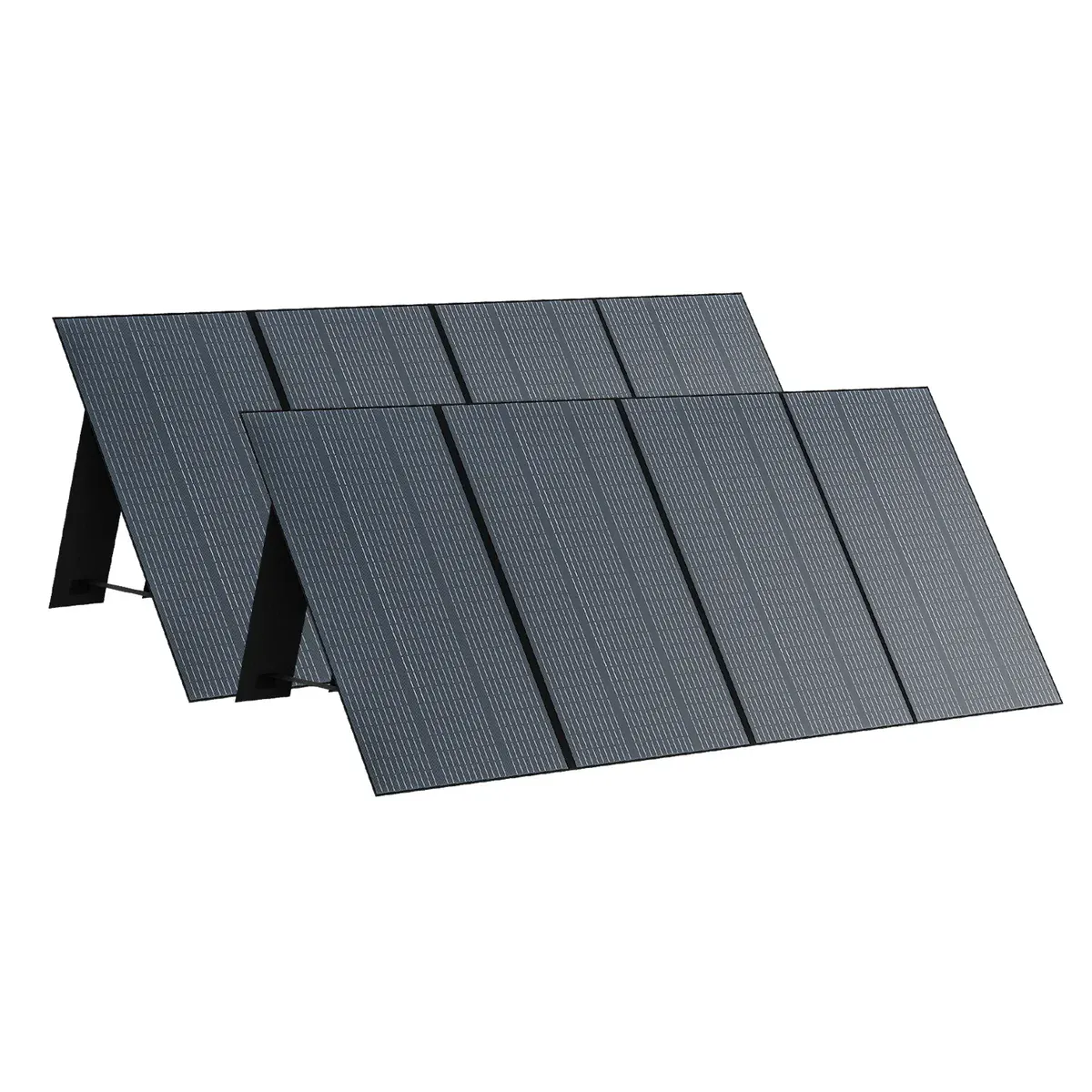
 350W Panel
Adapter required: MC4 -> XT60.
Yes. The Anker SOLIX C1000 provides 1800W running / 2400W surge. The Desktop PC (Gaming/Workstation) needs 1150W / 1150W (including 15% buffer). That leaves 650W of running headroom and 1250W of surge margin.
Approximately 0.7 hours, based on the Desktop PC (Gaming/Workstation)'s 1000W draw and the SOLIX C1000's 1056Wh capacity (70% usable after real-world losses).
With 270W allocated to the Desktop PC (Gaming/Workstation), the SOLIX C1000 still has ~170W of margin. These devices could run simultaneously:
Power Tip: To get the most out of your SOLIX C1000, keep it in a well-ventilated area. Extreme temperatures can slightly reduce the efficiency of the LFP/NMC cells.
Compare all 33 generators for the Desktop PC (Gaming/Workstation)
Ranked by budget, runtime, and overall compatibility.
Derived from variant list (max of variants). Running worst case = Alienware Aurora R16 (1000W PSU rating). Surge worst case = Alienware Aurora R16 (1000W). PSU rating = worst-case ceiling, not typical system draw.
Anker SOLIX C1000 User Manual (A1761, EN-US)
Similar-output alternatives you can compare side by side.